Print files that pass.
Check your PDF or image for bleed, fonts, colors and resolution – page by page, with the exact spot. What can be fixed safely, PreflightPilot fixes right away: RGB becomes CMYK, missing print information gets added. All in your browser – your file stays with you.
1 · Print product
2 · Your print file
3 · Check your file
–
⚠ General guidelines – your printer's own file requirements always take precedence.
Tip
No layout to test? Or want to rebuild your print file cleanly?
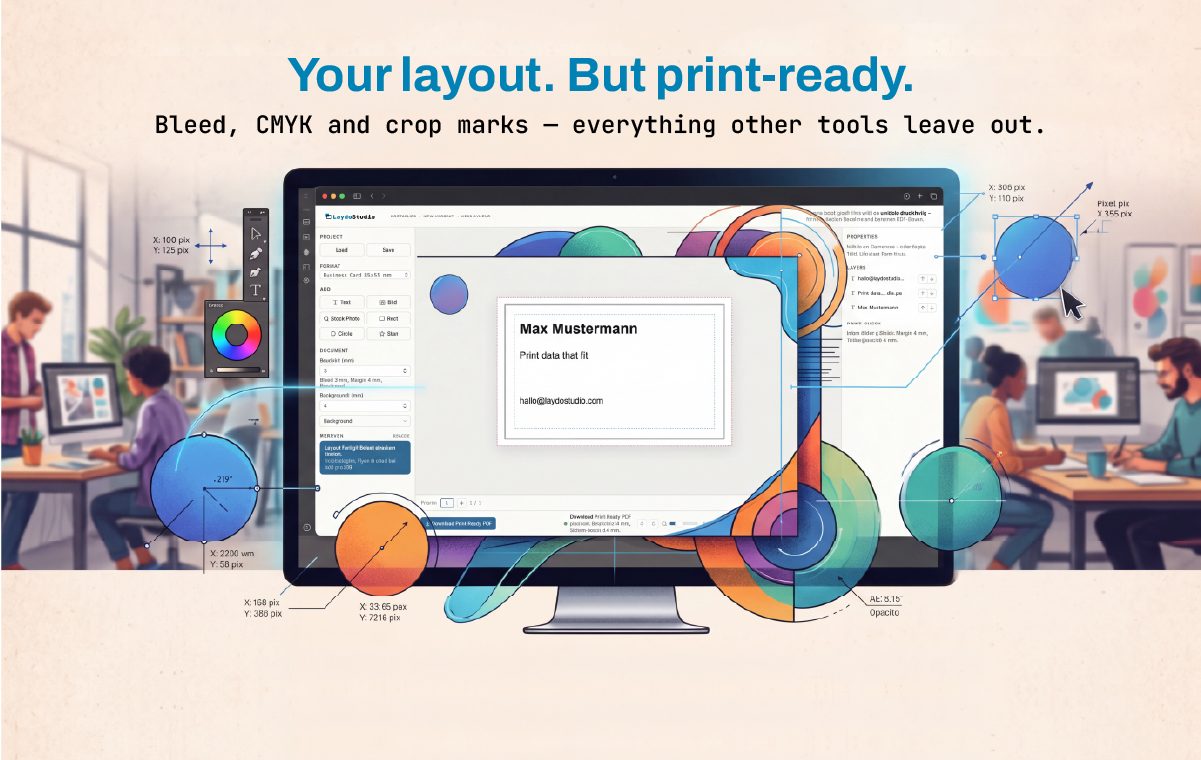
LaydoStudio creates print-ready PDFs right in your browser – with bleed, crop marks, CMYK and PDF/X-4 built in. Even when a file from Word or Canva can't be fixed: import the PDF, extend the background into the bleed, export again. Free, no account.
Open the layout editor →Why print files get rejected – and what PreflightPilot checks.
Not enough pixels
An image that looks great on screen can turn pixelated in print. What counts is the real pixel count compared to the placed size – PreflightPilot calculates it for every image in your PDF.
No bleed
Printers cut to the trim size. Without 1/8 inch (3 mm) of bleed past the edge, thin white slivers can appear. PreflightPilot checks page size, trim size (TrimBox) and bleed (BleedBox).
RGB instead of CMYK
Screen colors have to be converted for print. PreflightPilot finds RGB images, shapes and text and converts them to CMYK with a real print profile (GRACoL 2013 or FOGRA51).
Fonts not embedded
If a font is missing from the file, the printer substitutes another one – line breaks shift. PreflightPilot shows which font is missing and where it's used.
Content too close to the edge
Text and logos need distance from the cut line. The safety margin in the report shows the zone where nothing gets trimmed off.
Wrong size
A Letter PDF for a half-letter flyer, mixed page sizes, a booklet with 13 pages: PreflightPilot compares every page with the product you selected.
Checking is good. Fixing is better.
One click, then re-checked
What can be repaired safely – colors to CMYK, missing print information, PDF/X-4 marking – PreflightPilot does automatically. Then the new file is checked again right away.
Your file stays with you
Checking and fixing run entirely in your browser. Nothing is uploaded or stored – safe for confidential client files.
Every issue explained and located
Each finding jumps to the spot on the page and explains what's wrong. PreflightPilot even recognizes whether your PDF comes from Canva, Word or InDesign, and tells you how to export it correctly there.
Frequently asked questions
How many pixels do I need for a Letter-size print?
What is bleed?
300 or 150 dpi – which is right?
Can PreflightPilot convert RGB to CMYK?
How can I tell if fonts are embedded in my PDF?
My PDF is from Canva – is it print-ready?
What is PDF/X-4 – and do I need it?
Are my images or PDFs uploaded?
Print glossary: jargon, explained simply.
The terms you'll run into when ordering print – in plain English instead of print-shop speak.